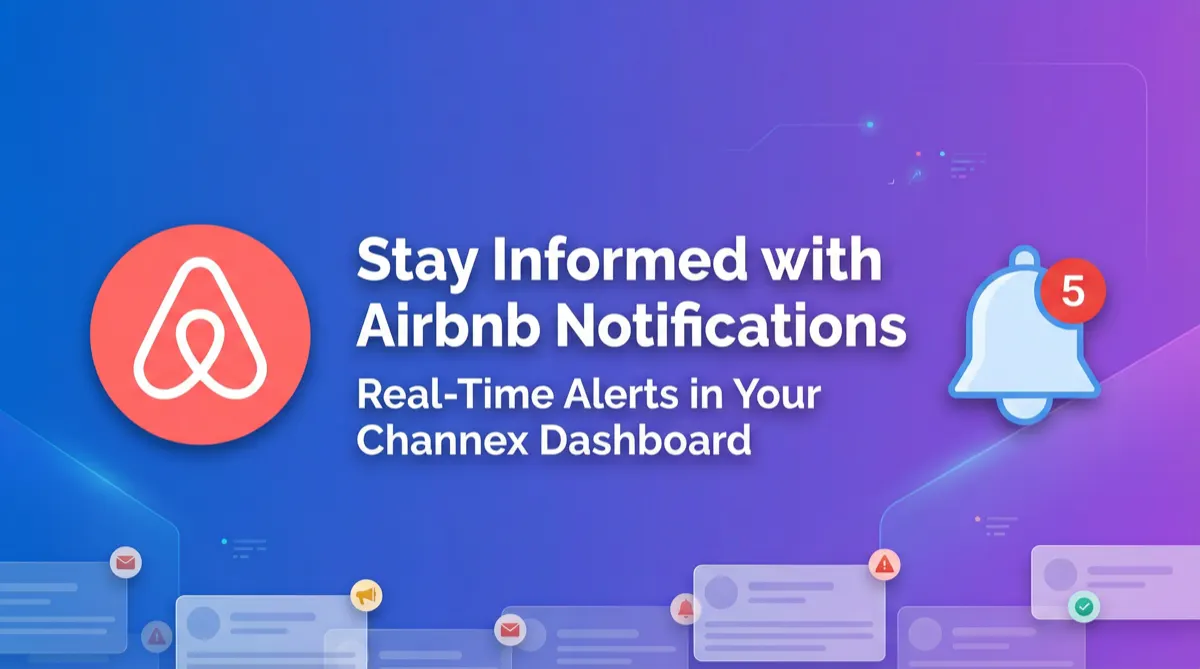
Stay Ahead of Issues: Introducing Real-Time Airbnb Notifications in Channex
Never miss critical Airbnb alerts again. Channex now displays real-time Airbnb notifications directly in your dashboard, from quality warnings to account updates, with one-click access to resolve issues.

Managing a successful Airbnb portfolio requires constant vigilance. From listing quality warnings to urgent account updates, staying on top of Airbnb's requirements is crucial for maintaining visibility, avoiding penalties, and ensuring uninterrupted payouts. Constantly switching between your channel manager and the Airbnb extranet to check for these critical alerts is inefficient and can lead to missed information.
To solve this, Channex has integrated real-time Airbnb Notifications directly into your dashboard. Now, you can receive and act on critical alerts from Airbnb without ever leaving the Channex ecosystem, allowing you to manage your operations more effectively and proactively.
Centralize Your Alerts, Streamline Your Workflow
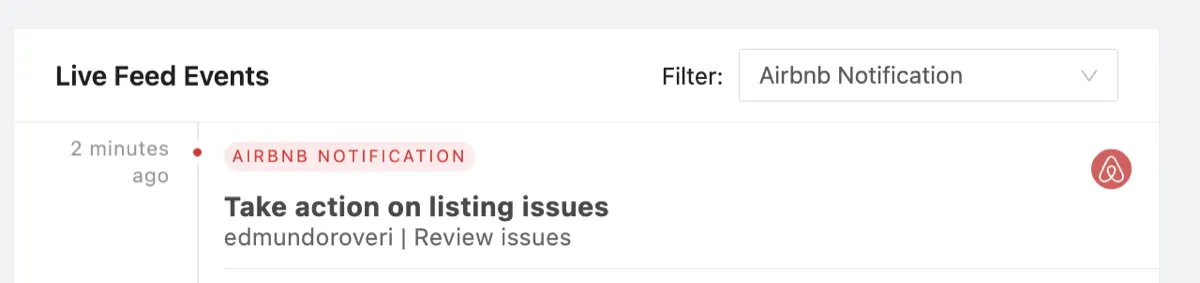
The new Airbnb Notifications feature pulls important, actionable alerts directly from Airbnb and displays them in your Live Feed Events. This isn't just about bookings or messages; it's about the health of your account and listings. By bringing these notifications into a single, centralized view, we empower property managers to address issues faster and more efficiently.
When you receive a notification, you can see the alert type, the property it relates to, and a summary of the required action. Best of all, clicking the notification takes you directly to the relevant page in the Airbnb extranet, eliminating the need to manually search for the issue.
Key Notification Types & Why They Matter
This integration covers a wide range of alerts that are vital for smooth operations. Here are some of the key notifications you will now see in your Channex dashboard:
1. Account & Payout Notifications
These alerts relate to essential account information that could impact your ability to get paid. Acting on them quickly is critical. Examples include prompts to update your account details or add US tax information, both necessary steps for processing payouts and keeping your account active.

2. Listing Quality & Performance Warnings
Airbnb closely monitors listing performance. These notifications give you an early warning about potential problems, allowing you to take corrective action before a listing is suspended. You may receive quality notifications warning about potential suspension due to quality standards, alerts to take action on specific listing issues, or account-level warnings about issues across multiple listings that could affect your payouts if not addressed.

3. Listing Status Changes
Stay informed about changes to your listings' visibility on Airbnb. For example, you will receive confirmation when a previously suspended or deactivated listing is reactivated and visible to guests again.

How to Use the Airbnb Notifications Filter
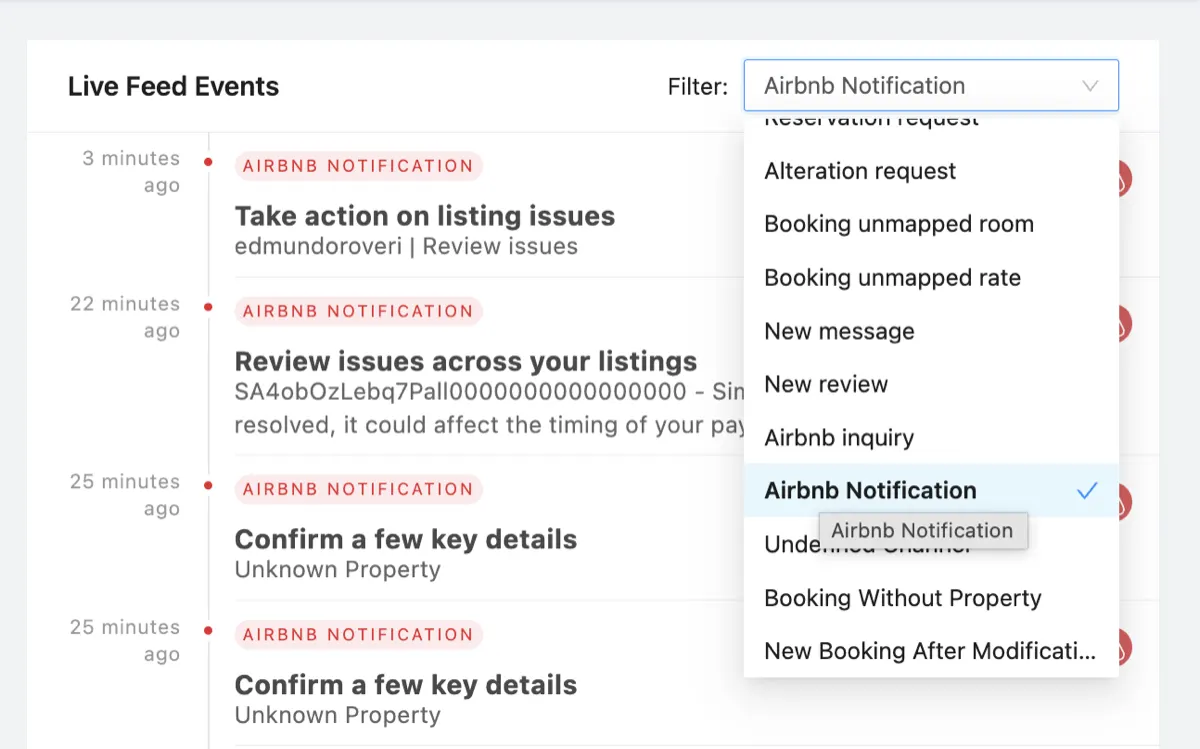
Your Live Feed contains many different event types. To focus solely on these important Airbnb alerts, simply use the Filter dropdown on the Live Feed Events page and select "Airbnb Notification". This will hide all other events, giving you a clear, actionable list of items that require your attention.
Conclusion
By integrating Airbnb Notifications directly into the Channex dashboard, we are giving you the tools to be more proactive, efficient, and informed. Centralizing these critical alerts saves you time, reduces the risk of missed information, and helps you maintain a healthy, profitable portfolio on Airbnb. This feature is now live for all Channex users with an Airbnb connection.